
DEALDROPHQ TOOL
Amazon Subscribe & Save Filler Finder
Find inexpensive Subscribe & Save items that may help fill your monthly order. Start with the cheapest verified items, then filter by category, price, or deals.

Amazon Grocery, Onion Soup & Dip Seasoning Mix, 1 Oz

Maruchan Instant Lunch Cheddar Cheese Flavor Soup, 2.25 oz

Amazon Grocery, Turkey Flavor Stuffing Mix, 6 Oz (Previously Amazon Fresh, Packaging May Vary)

Fancy Feast Gravy Lovers Wet Cat Food, Chicken, 3 Oz Can

Whole Paws, Wet Cat Food, Salmon & Whitefish Loaf Dinner, 3 Ounce

Whole Paws, Wet Cat Food, Salmon & Whitefish Dinner in Savory Broth, 3 Ounce

BIC Round Stic Black Ballpoint Pens, Medium Point, 1.0mm, 10-Count

FF GRILLED SEAFOOD 3OZ

Fancy Feast Purina Gravy Lovers Turkey Feast Cat Food, 3 Ounce

Gushers Tropical Fruit Flavored Snacks, Mini Pouches, 3 ct, 1.32 oz

Laffy Taffy Mini Bar Bag, Banana, Chewy Taffy Candy, 3.5 oz

Fruit By the Foot, Berry Tie Dye, Mini Snacks, 3 ct

Chef Boyardee Mini Beef Ravioli, Microwave Pasta, Canned Food, 15 oz.
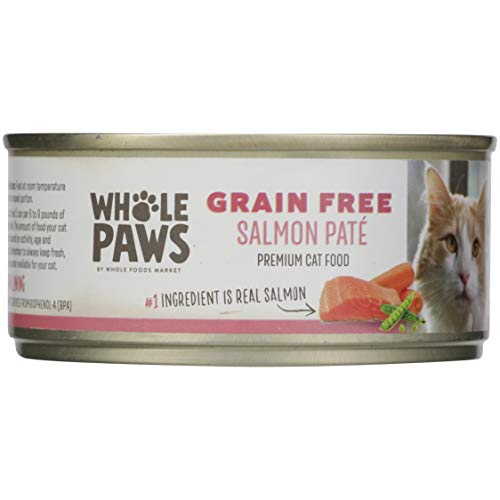
Whole Paws, Grain-Free Wet Cat Food, Salmon Paté Loaf Recipe, 5.5 Ounce
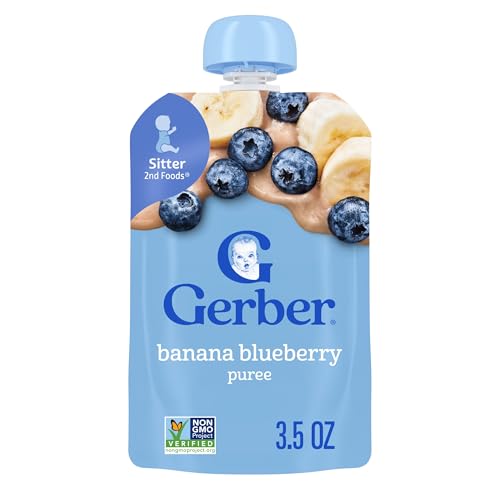
Gerber Stage 2 Banana Blueberry Puree Pouch, 3.5 Oz
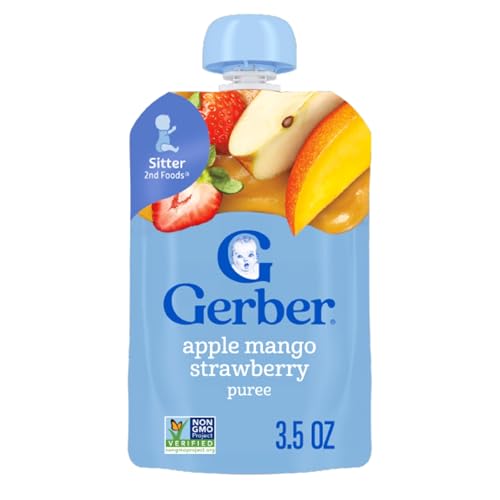
Gerber Stage 2 Apple Mango Strawberry Puree Pouch, 3.5 Oz

GuruNanda Dental Floss Picks, 2 in 1 Interdental Pick for Braces, 40ct

GuruNanda Fresh Floss Dental Picks - Non- Shred Thread with Angled Pick for Effective Plaque Removal - Dentist Recommened - Travel Friendly for Adults & Kids - 60 Pack

Whole Paws, Grain-Free Wet Cat Food, Chicken Paté, 5.5 Ounce

Whole Paws, Wet Cat Food, Chicken Loaf Dinner, 3 Ounce
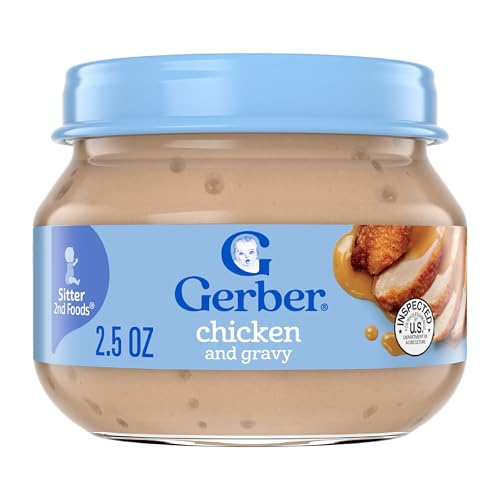
Gerber Stage 2 Chicken and Gravy Baby Food, 2.5 Oz Jar

Old Spice Antiperspirant Deodorant for Men, 24/7 Sweat & Odor Protection, 24/7 Lasting Freshness, Invisible Solid, Swagger with Cedarwood Scent, Trial Size, 0.5 oz

GuruNanda Expandable Waxed Dental Floss for Gentle, Deep Cleaning Wide Teeth Flossing - Cinnamon Flavor - 55 Yards

Whole Paws, Grain-Free Wet Cat Food, Beef Loaf Dinner with Vegetables, 3 Ounce

Whole Paws Chicken and Tuna Recipe Cat Food, 3 oz

Whole Paws, Grain-Free Wet Dog Food, Chicken Recipe, 3.5 Ounce

Whole Paws, Wet Dog Food, Lamb Recipe, 3.5 Ounce

Zoo Med Laboratories AZMBB8 Pleco Banquet Block Black 0.45 Ounce (Pack of 1)

Friskies Cat Food Country Style Dinner, 5.5 oz

Gillette Antiperspirant and Deodorant for Men, 72hr Sweat & Odor Protection, Long Lasting Freshness, Anti-White Mark Technology, Clear Gel, Cool Wave Scent, 0.5 oz

Amazon Grocery, Lemonade, 64 Fl Oz

Splenda Sugar Free, Low Calorie Sweet Cream Coffee Creamer, 8 Fl Ounces Bottle

SPOT Lickable Broth Cat Treats – Salmon & Tuna Flavor, Vitamin-Enriched Cat Treat Topper, Adds Hydration & Flavor, Use with Soothing Roller Ball Feeder, 3 Pack

Cloralen Household Cleaning Liquid Bleach - 32.12 fl oz

Halfday Prebiotic Peach Iced Tea, 12 Fl Oz

Halfday Prebiotic Lemon Iced Tea, 12 Fl Oz

FOUR SIGMATIC Organic Cordyceps & Chaga Mix, 0.09 OZ
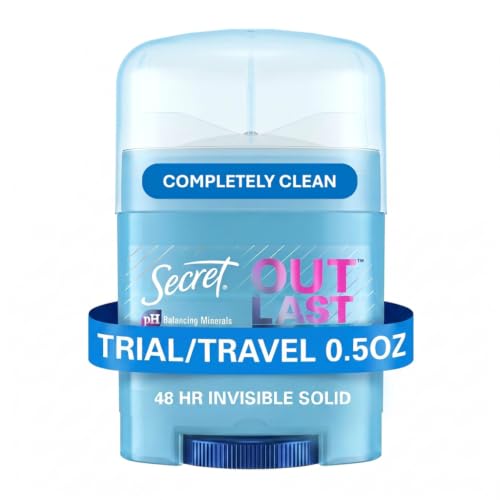
Secret Outlast Antiperspirant Deodorant for Women, 72hr Sweat & Odor Protection, PH Balancing Minerals, Invisible Solid, Completely Clean Scent, Travel Size, 0.5 oz

Amazon Grocery, Strawberry Drink Mix with Caffeine, 10 packets, 1.1 Oz

Redbarn Roofle Rawhide Chew Treat for Dogs with Tasty Maple Flavor - 1pk

Purina One Tender Cuts Chicken And Rice Food, 1 By 13 Oz

Snapple Peach Tea, 16 fl oz recycled plastic bottle

Sensodyne Pronamel Gentle Whitening Enamel Toothpaste, 0.8 Ounces

LIFEAID IMMUNITYAID Orange Burst Immune Support Blend, Echinacea, Zinc, Astragalus and Vitamin C, 12 Fl Oz

Jack Link's Original Zero Sugar Beef Stick - 0.92 oz

Whole Paws, Grain-Free Wet Dog Food, Turkey Feast with Sweet Potato & Cranberries in Gravy, 13.2 Ounce

Amazon Basics Basket Coffee Filters for 8-12 Cup Coffee Makers, White, 200 Count, Packaging May Vary
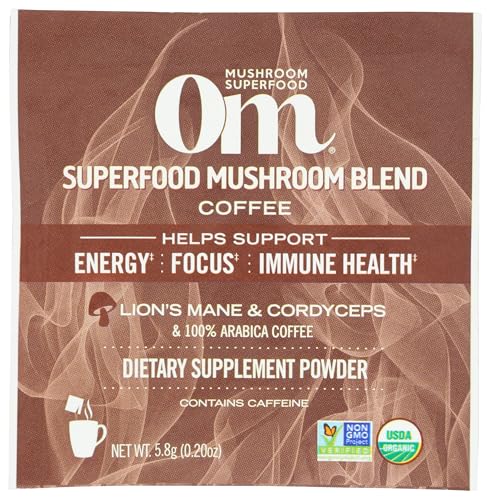
Om Mushroom Superfood Organic Mushroom Coffee Blend Drink Mix, 0.21 OZ
As an Amazon Associate I earn from qualifying purchases. Prices and Subscribe & Save eligibility can change; verify the final price and eligibility at Amazon before ordering.
What are Amazon Subscribe & Save filler items?
Subscribe & Save filler items are inexpensive products people add to an Amazon Subscribe & Save delivery when they are close to a higher item-count savings tier. The goal is not to buy something unnecessary; it is to find a low-cost item you would use anyway when adding it could make the rest of the shipment more economical.
This finder is built around that job. It puts the lowest-priced verified Subscribe & Save items first and lets you narrow the list to items under $1, $2, $3, $5, or $10. You can also show only products that have a separate current markdown.
How to use the Subscribe & Save Filler Finder
- Start with Lowest price to see the cheapest currently cached Subscribe & Save items.
- Choose a maximum price if you only want very cheap fillers, such as items under $2 or under $3.
- Use Deals only when you want a filler that is also marked down from a higher reference price.
- Open the product at Amazon and confirm the final Subscribe & Save price, delivery date, eligibility, and any account-specific savings before you subscribe.
Why a cheap filler can sometimes save more than it costs
If adding another qualifying subscription moves your shipment into a better savings tier, the extra savings across the other items can sometimes exceed the cost of a small filler. Whether that works for you depends on the products in your shipment, their current prices, and the savings Amazon shows for your account. Compare the cost of the filler with the additional savings on the rest of the order before adding anything.
Cheap Subscribe & Save items vs. Subscribe & Save deals
A cheap filler and a deal are not the same thing. A low-priced item can be useful even when it is not separately marked down. The Deals only filter is for products where Amazon's offer data also shows a discount from a higher price. The main list includes verified Subscribe & Save items whether or not they have an additional deal.
How fresh are the prices?
The finder never calls Amazon when a shopper loads or filters the page. DealDropHQ stores a small cache of products and refreshes it in controlled background batches. If Amazon's API is temporarily unavailable, the finder keeps showing the last successfully verified product data instead of emptying the page. Older cached items are labeled as last verified data and should be confirmed at Amazon before ordering. As soon as API access works again, the normal background refresh replaces the cached values with current Amazon data.
Amazon Subscribe & Save filler FAQ
Does every item shown qualify for Subscribe & Save?
The finder only saves products when Amazon's Creators API returns a Subscribe & Save offer type. Eligibility can still change, so confirm it on Amazon before ordering.
Are the prices already reduced by 5%?
When Amazon returns a specific Subscribe & Save offer price, the finder displays that returned price. It does not blindly subtract 5% from every product, which avoids showing a made-up price.
Can I find Subscribe & Save items under $2 or $3?
Yes. Use the maximum-price filter to narrow the cached list to items under $1, $2, $3, $5, or $10.
Does using the search box consume Amazon API calls?
No. Search, category, price, deal, and sort controls query DealDropHQ's local cached data. Amazon API calls happen only in small scheduled background jobs.